
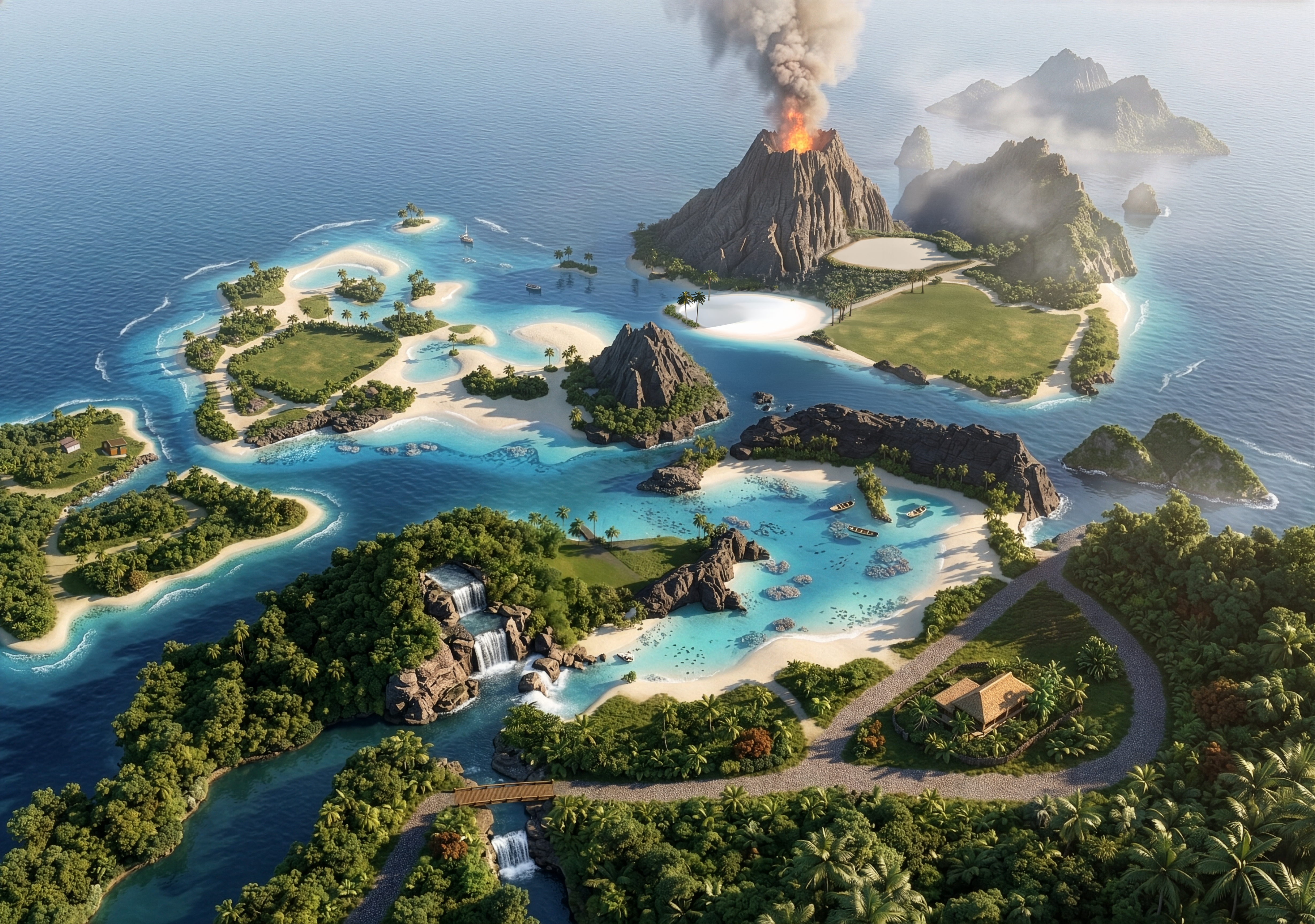
Sulani
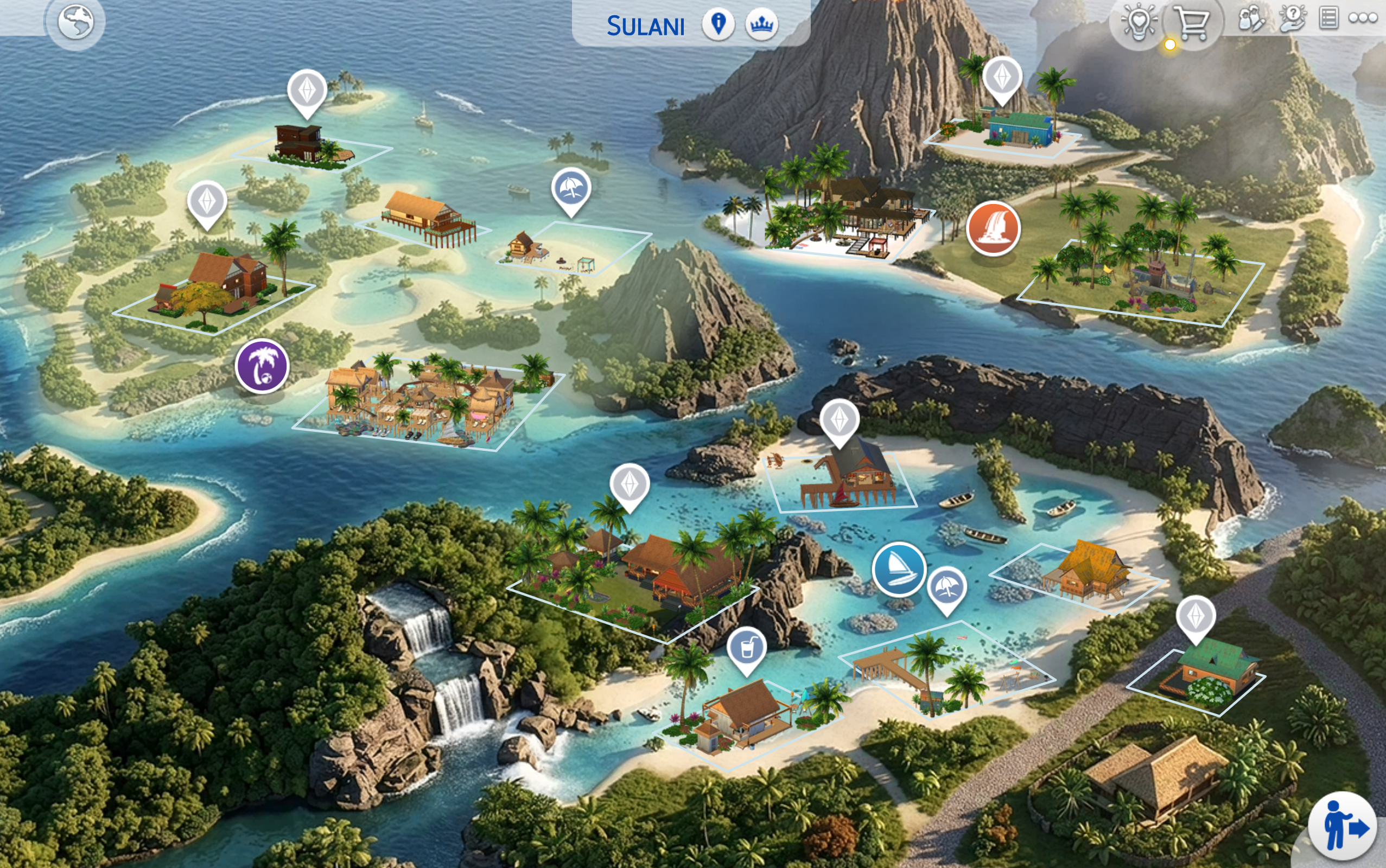
Tropical island energy balanced for the game's compression so it actually looks good.
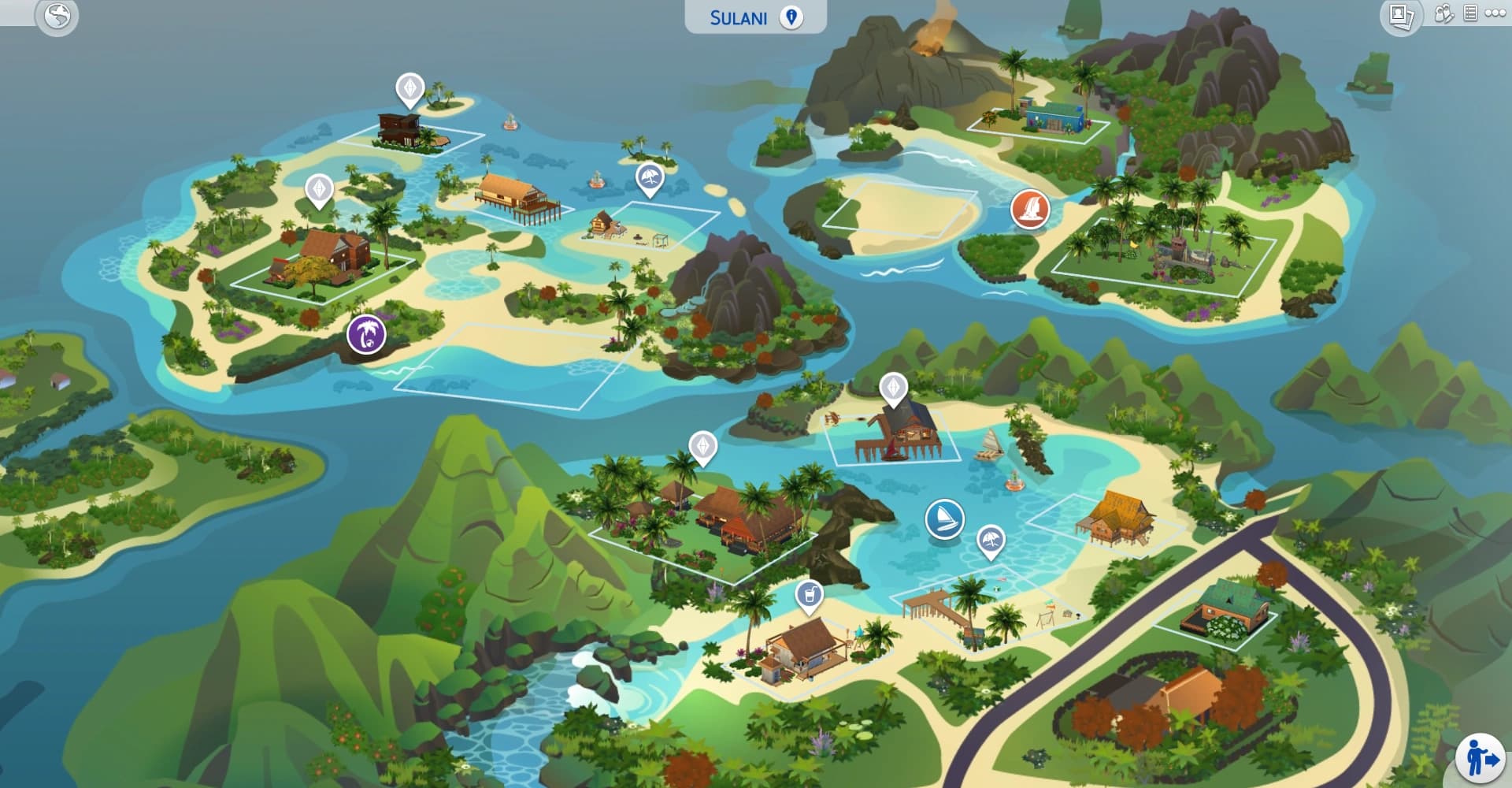
Before / after
Drag the handle to compare the original Sulani map with the Chatelain replacement.
How to install
- 1Download the
.packagefile using the button on the right. - 2Place it inside
Documents/Electronic Arts/The Sims 4/Mods/ - 3If this is your first mod, enable Game Options → Other → Custom Content and Mods and restart the game (one-time setup).
- 4Load any save and the new map will appear automatically when you visit Sulani.
Important notes
- Requires Island Living (EP07). Without this pack, the map won't appear in game.
- This is a map replacement, meaning it overrides the original Sulani map. Don't install another replacement for the same world at the same time.
- Save files are not affected. You can install or remove this mod safely without losing progress.
- If you previously had another map mod for Sulani, delete it before installing this one.
Map not showing up?
Make sure custom content is enabled, the file is directly inside Mods/or one sub-folder deep (anything nested deeper won't be read by the game), and that you fully restarted The Sims 4. If it still doesn't work, report a problem and attach your LastException.txt file.
Discussion

Join the conversation on Patreon
Questions, feedback, or want to share your screenshots? Discussion happens on Patreon where you can engage with other patrons and me directly. Found a bug instead? Report it here so it's tracked properly.